


Hello world!
Welcome to WordPress. This is your first post. Edit or delete it, then start writing!
Official website · momiptvhd.com
mom iptv is a prepaid streaming subscription for live channels, sport, films and series. Choose a plan from $17, watch on the Smart TV, Fire TV Stick, Android or Apple TV you already own, and get setup help from our team on WhatsApp.
CH 02 What’s on
Live channels from home and abroad, live sport and an on-demand library of films and series — all in one player app, organised the way a TV guide should be.
CH 03 Pick your screen
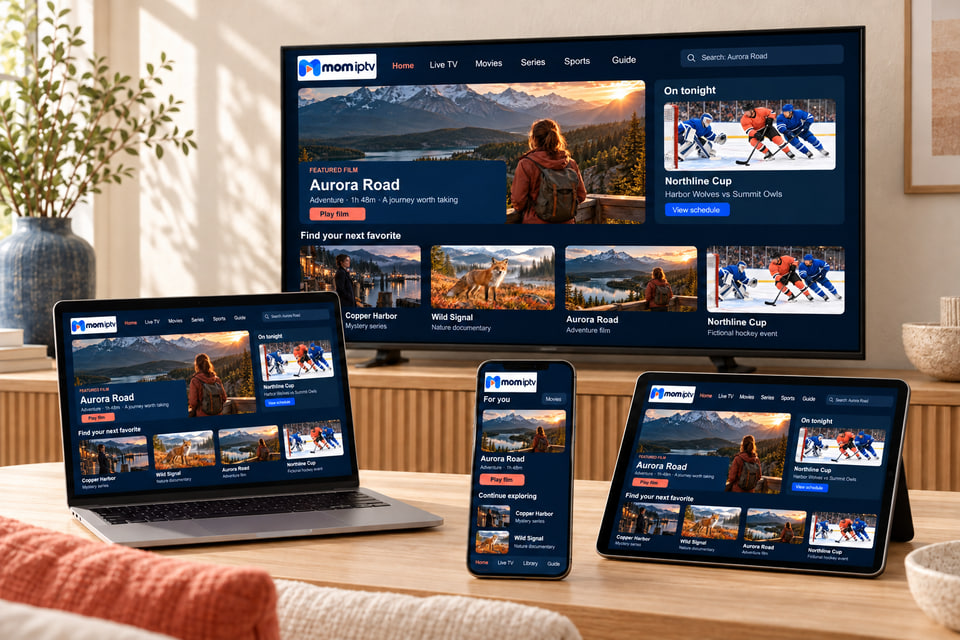
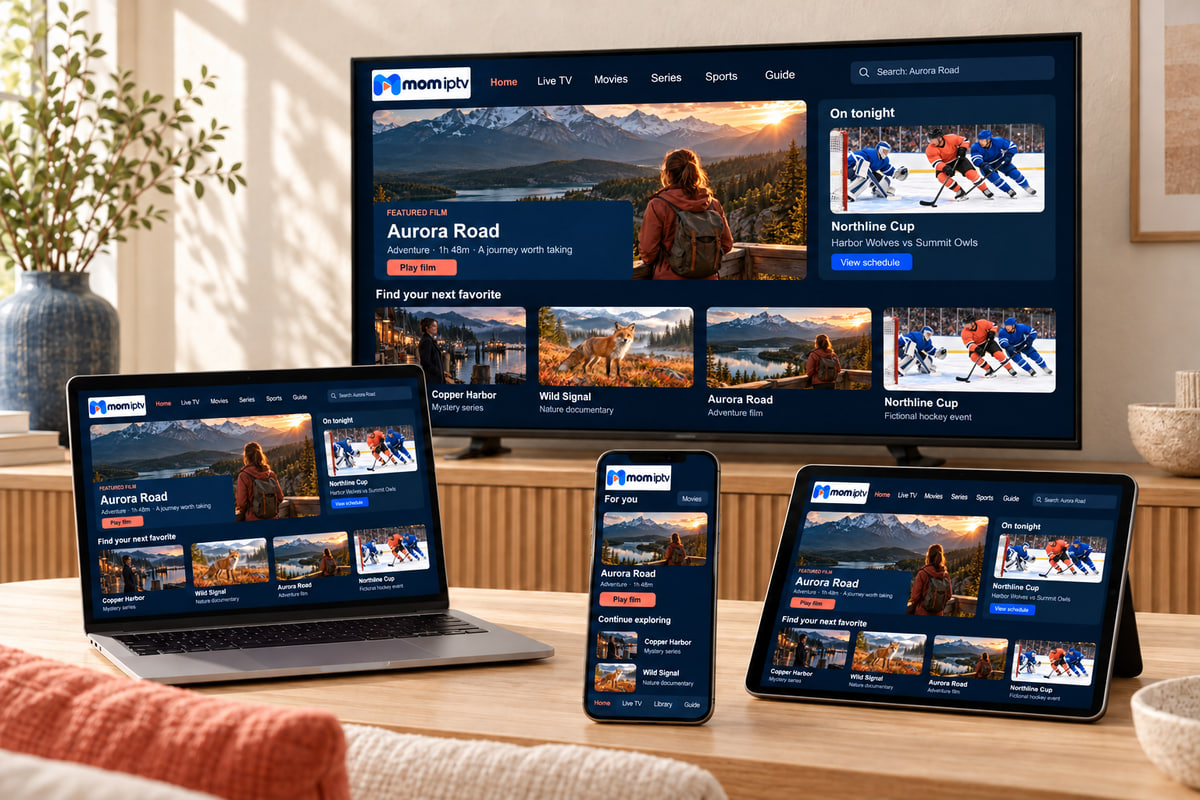
No new box, no dish, no engineer. mom iptv runs through a player app on your TV, streaming stick, phone or computer. Choose your device to see what you need and how setup works.
Samsung, LG, Android TV and Google TV sets
Fire TV Stick, Stick 4K and Fire TV Cube
Android TV boxes, Google TV, phones and tablets
Apple TV HD and Apple TV 4K
iPhone, iPad and Android phones and tablets
Windows PCs and Macs
CH 04 Plans
The same channels, films and support on every plan. Only the length changes — and the longer you choose, the less each month costs. Prices are in euros and paid once.
$17 for one month
Pay one month at a time and decide each month.
Before you pay, read our refund policy and how secure payment works. If your card is not in euros, your bank may add a conversion fee.
$33 one payment for 3 months
Works out at $11 a month — $18 less than paying monthly.
Before you pay, read our refund policy and how secure payment works. If your card is not in euros, your bank may add a conversion fee.
$44 one payment for 6 months
Works out at $7.33 a month — $58 less than paying monthly.
Before you pay, read our refund policy and how secure payment works. If your card is not in euros, your bank may add a conversion fee.
$65 one payment for 12 months
Works out at $5.42 a month — $139 less than paying monthly.
Before you pay, read our refund policy and how secure payment works. If your card is not in euros, your bank may add a conversion fee.
| Plan | Price | Per month | Saving vs monthly |
|---|---|---|---|
| 1 month Most flexible | $17 | $17 | — |
| 3 months | $33 | $11 | $18 (35%) |
| 6 months | $44 | $7.33 | $58 (57%) |
| 12 months Best value | $65 | $5.42 | $139 (68%) |
CH 05 How it works
No account to create, no app store subscription and nothing posted to you. Here is exactly what happens.
Pick a length above, or ask us which one suits you. Not sure about your TV? Send us the model first.
Your order opens in WhatsApp with the plan already written in. We confirm it and send the payment details.
We send your login details and the right app for your device, on WhatsApp or by email.
Follow the guide for your device, or let us walk you through it one step at a time.
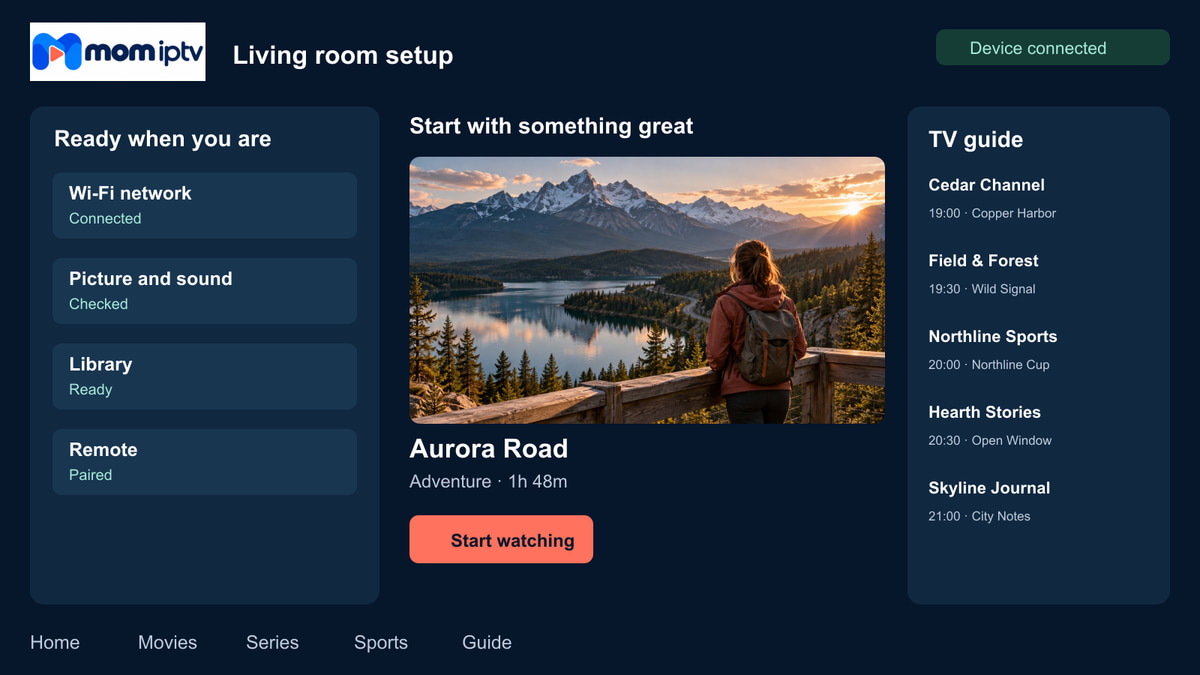
Everything you need arrives in one message you can keep:
CH 06 Support
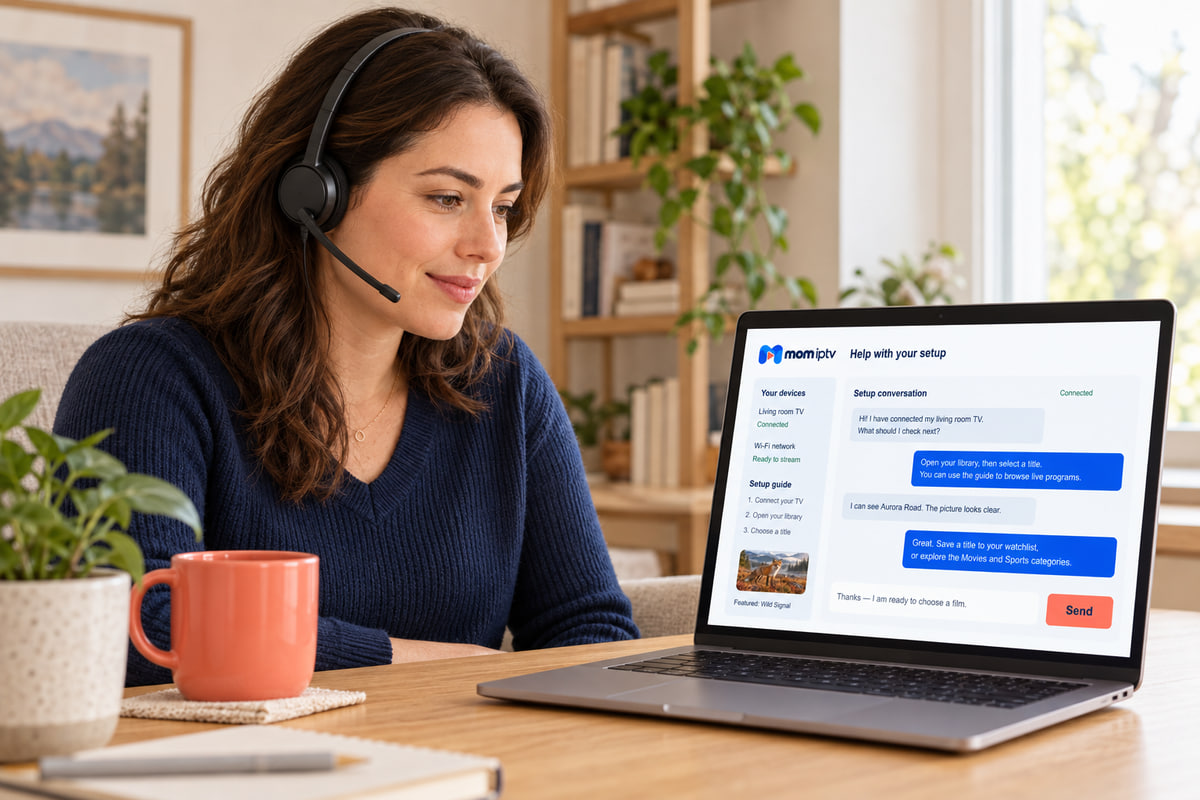
Setup questions, a channel that will not load, a new TV — message us and we will work through it with you. Three things help us fix it on the first reply:
For example “Samsung TV 2020” or “Fire TV Stick 4K”.
An error message, a spinning circle, a black screen…
Taken with your phone — it often tells us the answer straight away.
CH 07 Before you buy
IPTV is only as good as the connection it arrives on. Check these four things and you will know whether mom iptv will run smoothly in your home.
Measured on a phone next to the TV in the evening, not at the router.
This matters more than a faster broadband package. Powerline adapters work well too.
Most TVs from 2017 onwards, Fire TV Stick, Android, Apple TV, phones and computers.
Install one app and enter your login. We stay with you on WhatsApp if you get stuck.
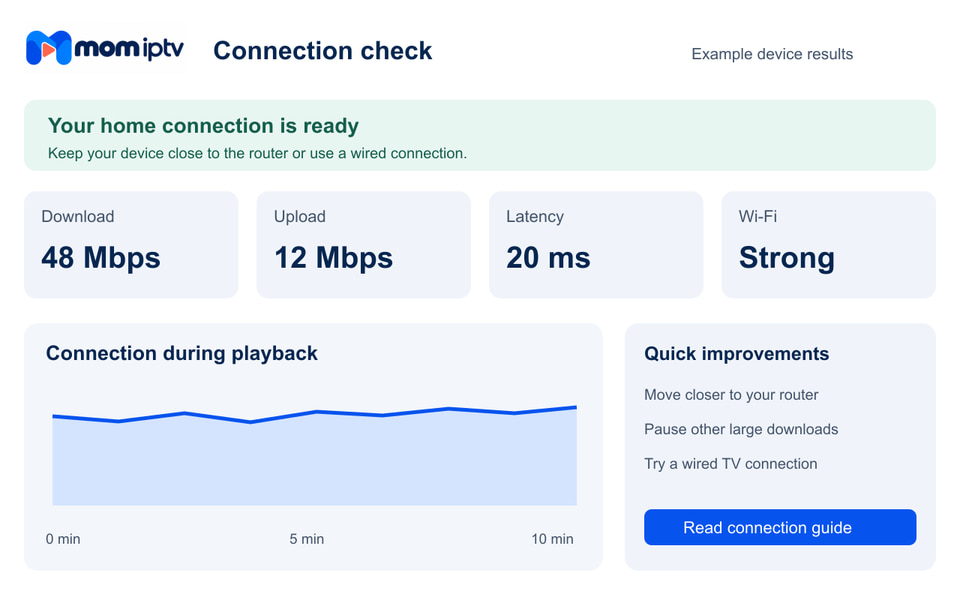
An honest limitationIf your connection is below 10 Mbps where the TV is, fix that first — buying a plan will not make Wi-Fi faster. Our buffering guide shows how, step by step.
CH 08 Honest answer
It depends on how you watch. Reviews elsewhere tend to say yes to everything, so here is our own straight answer — including who should not buy.
Several sites use similar names. We only sell and support through these three channels — if someone contacts you any other way, check with us before you pay.
CH 09 Help centre
The questions we are asked most before people order. Search or filter by topic — and if yours is not here, ask us.
More answers about payment, devices and activation are in the full FAQ.
mom iptv is a prepaid IPTV subscription: live TV channels, films, series and sport delivered over your internet connection to a player app on your TV, streaming stick, phone or computer. You choose a plan length, we send your login details, and you watch on the screens you already own — no dish, no cable box and no engineer visit.
Yes. momiptvhd.com is our website, and we only take orders through this site, our WhatsApp number +212 781 768 546 and [email protected]. Other websites and sellers use similar names and we cannot vouch for them. If anyone contacts you from a different number or asks you to pay somewhere else, message us first.
There are four plan lengths: 1 month $17, 3 months $33, 6 months $44, 12 months $65. Every price is a single payment for the whole period, so the 12-month plan works out at $5.42 a month. Full details are on the subscription plans page.
No. You pay once for the period you choose, and nothing is taken from your card afterwards. When your plan is about to end, you decide whether to renew — just send us a message.
Smart TVs (Samsung, LG, Android TV and Google TV), Amazon Fire TV Stick, Android TV boxes, Apple TV, iPhone, iPad, Android phones and tablets, and Windows or Mac computers. If you have something older or unusual, check the compatible devices list or ask us before you order.
As soon as your payment is confirmed, we send your login details on WhatsApp or by email, together with the app to install for your device. We confirm the expected activation time when you place your order.
As a rule of thumb, allow about 10 Mbps for a steady HD picture and 25 Mbps or more for 4K, on the device you are watching — not just at the router. A network cable or 5 GHz Wi-Fi makes far more difference than a faster broadband package.
Tell us how many screens you want to use at the same time before you order and we will tell you which option fits.
Ask us on WhatsApp. We will tell you whether a test is available for your device right now, and what it includes. Our free trial page explains what to check during a test.
Line-ups change over time and depend on availability, so we never promise a specific channel in advance on the website. If one channel or event matters to you, ask us on WhatsApp before you order and we will give you a straight answer.
Message us on WhatsApp or email [email protected]. Tell us your device, the app you use and what you see on screen — a photo of the error helps a lot. Messages are answered in the order they arrive.
Our refund policy explains exactly when a refund applies and how to ask for one — please read it before you order. Read the full refund policy.
No question matches that search. Ask on WhatsApp and we will answer you directly.
CH 10 Guides
Welcome to WordPress. This is your first post. Edit or delete it, then start writing!
CH 11Ready when you are
Tell us your device and what you like to watch. We will recommend a plan, send you the right app and stay with you until the first channel plays.
Prefer email? Write to [email protected]